Skip to content

You run the people. Auk AI runs the server.

Auk is AI hosting for Minecraft. Pick what your server should have and Auk builds it from tested features. After that, change anything by asking Auk AI in plain English.

Auk console
The real Auk console: the owner asks Auk AI to make the server-list message look like a big network, Auk AI sets it and explains the change, each change has an Undo button, and the owner asks whether everything is okay.

You stay in charge. Auk AI tells you what it's about to change, and by default anything that deletes or wipes waits for your OK.

Setup changes can be undone. Your plugins and configs are saved before Auk AI's first change, so one click puts them back.

How it works.

  1. Pick. Choose the server software, the Minecraft version and the features in the builder.
  2. Auk builds it. Every feature goes in already set up and tested with the others, before the server's first start.
  3. Then just ask. Change anything later by telling Auk AI in plain English.

Already done for you.

Pick your features in the builder. Auk installs each one already set up and tested with the others, so your server is finished before its first start.
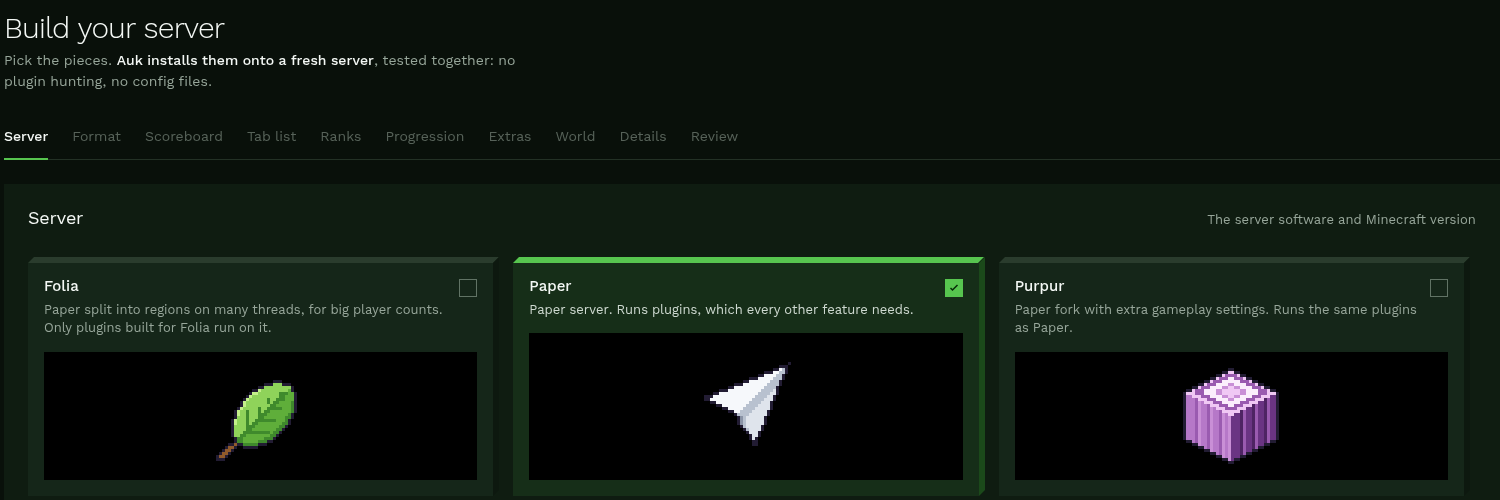
The Auk builder, step one: Build your server, with Folia, Paper and Purpur to pick from and tabs for Format, Scoreboard, Tab list, Ranks, Progression, Extras, World, Details and Review.
The builder. Choose the server, then the look and the features, one step at a time.
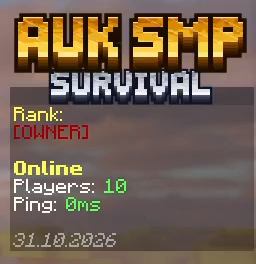
The AUK SMP sidebar with a 3D gold title, the player's rank, players online and ping.
Scoreboard. Your server's name in 3D block letters, in one of fourteen styles.
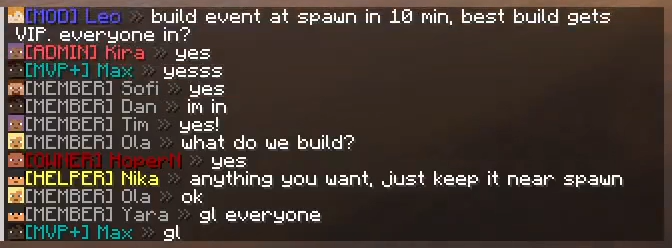
AUK SMP chat with rank-coloured names: MOD, ADMIN, MVP+, MEMBER, HELPER and OWNER planning a build event.
Ranks and chat. A rank ladder from Owner to Member, with each rank's colour in chat.
The AUK SMP entry in the Minecraft server list: its icon, the name between arrows with version 1.21.1, and Survival and Ranks underneath.
Server list. Your icon and a message laid out like the big networks'.
Three of the fourteen scoreboard title styles in the Auk console: Frost, Auk Green and Gold Rush.
Title styles. Three of the fourteen, as the console shows them.
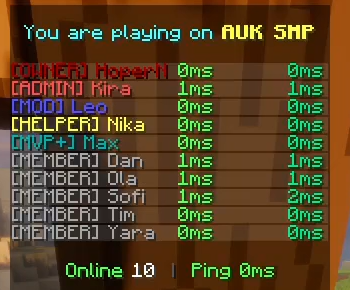
The AUK SMP tab list: You are playing on AUK SMP, ten players by rank with their ping, Online 10.
Tab list. Everyone online, sorted by rank.
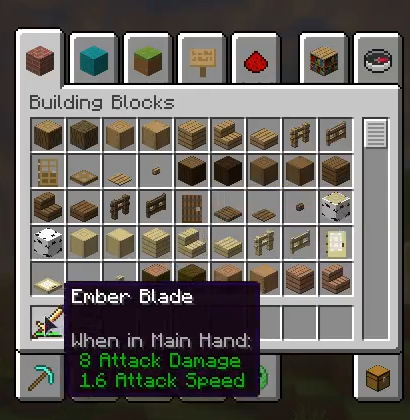
A creative inventory with the custom Ember Blade tooltip: 8 Attack Damage, 1.6 Attack Speed.
Custom items. Your own texture on a real item, like this Ember Blade.
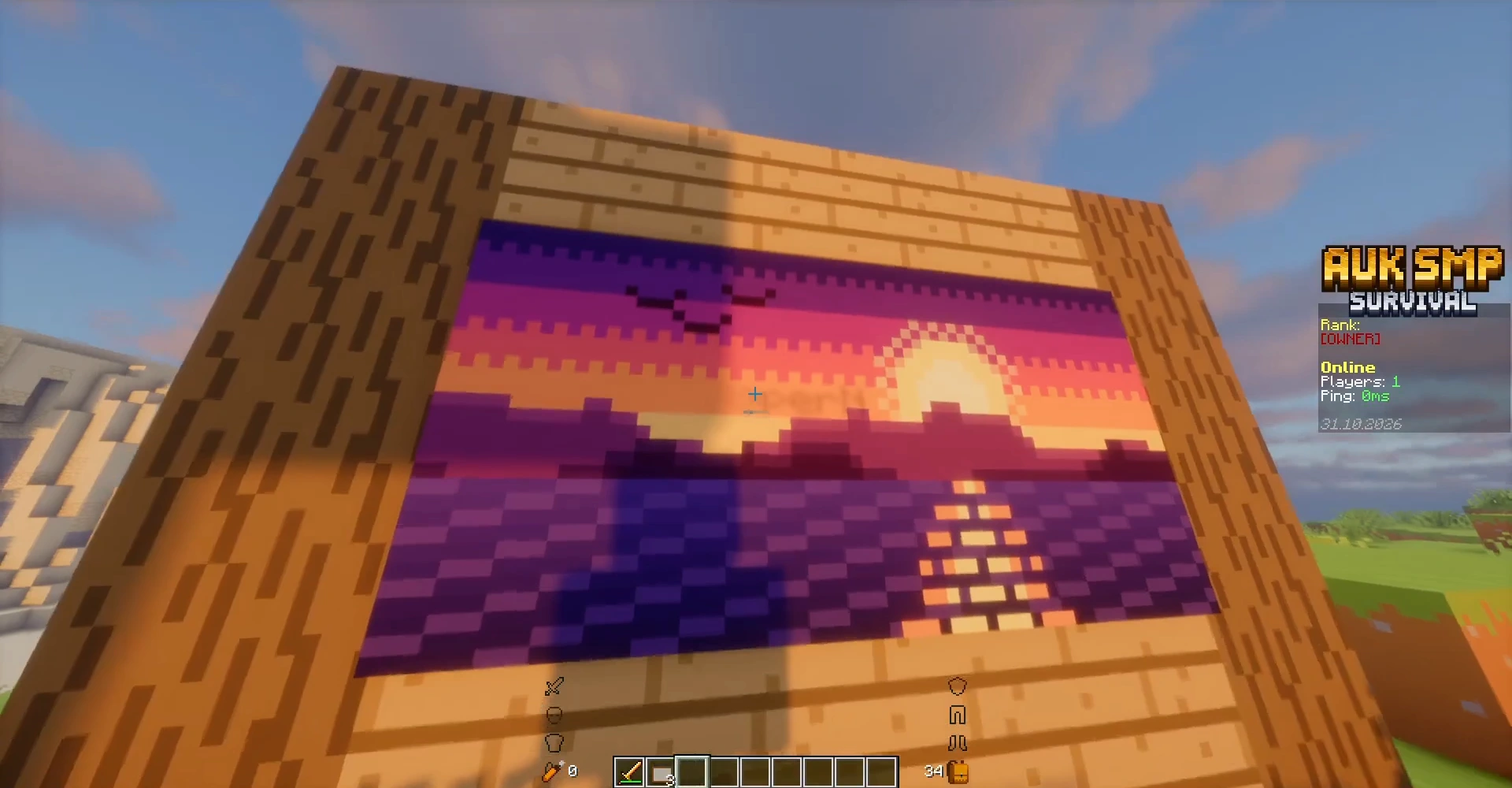
A custom pixel-art sunset painting hanging on the wooden wall of a house on AUK SMP.
Custom paintings. Upload a picture and hang it on your walls.

Every plugin is checked before it installs. Gameplay packs like Luck SMP are features too. Want a plugin that isn't in the builder? Add it from Modrinth or upload your own, and Auk's scanner checks it before it reaches your server.

See every feature

Then just ask.

“Put AUK SMP on the scoreboard in gold”

Typed by the owner of AUK SMP. Below is what happened next.

Say what you want the way you'd tell a friend. Auk AI does the work, tells you what changed, and saves your setup first so you can undo it.
Auk AI, in the console.
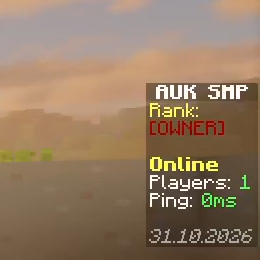
The AUK SMP sidebar before: the title in plain letters.
Before. Plain letters.
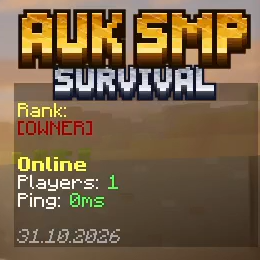
The AUK SMP sidebar after: AUK SMP in 3D gold letters with SURVIVAL underneath.
After. Gold, in game.

Pricing.

You pay for the memory, the disk and the Auk AI you use. Every plan and price is on the pricing page.

See pricing

Help.

Questions, or a problem with your server? Write to us on Discord. Once you have a server, Support is in your console too.

Every journey starts with a step.

Pick your features and Auk AI builds the server. You bring the people.